🚀 Use Batching for Bulk Inserts and Updates to Supercharge Performance
When you’re dealing with large volumes of data, inserting or updating records one by one can become a serious bottleneck. Batching allows you to group multip...
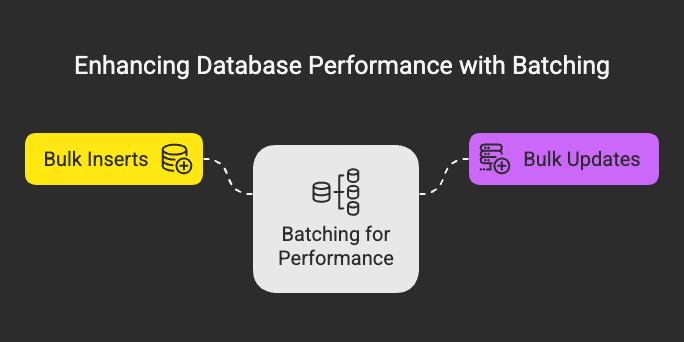
🚀 Use Batching for Bulk Inserts and Updates to Supercharge Performance
When you’re dealing with large volumes of data, inserting or updating records one by one can become a serious bottleneck. Batching allows you to group multiple operations into a single request, drastically reducing the number of database round trips and improving overall performance.
Let’s explore why batching is essential, when and how to use it, and best practices for implementing it effectively.
🔍 What is Batching?
Batching refers to grouping multiple SQL statements (especially INSERTs or UPDATEs) into a single transaction or statement. Instead of sending one SQL query at a time, you send them all together — minimizing the overhead of network communication and transaction management.
💡 Why Batching Works
- Reduces Round Trips: Fewer calls to the DB server = better performance.
- Improves Throughput: Databases are optimized for processing sets of data.
- Lowers Locking Overhead: Grouping operations minimizes transaction locking time.
- Reduces Logging & I/O Overhead: Especially in high-write environments.
🛠️ Batching in Action (Examples)
✅ Example 1: Batch Insert
❌ Without Batching
INSERT INTO orders (user_id, product_id, quantity) VALUES (1, 1001, 2);INSERT INTO orders (user_id, product_id, quantity) VALUES (1, 1002, 1);INSERT INTO orders (user_id, product_id, quantity) VALUES (1, 1003, 5);
✅ With Batching
INSERT INTO orders (user_id, product_id, quantity) VALUES (1, 1001, 2),(1, 1002, 1),(1, 1003, 5);
✅ Example 2: Batch Update (Dynamic in App Code)
Let’s say you have a list of user emails to update.
Python (psycopg2 example):
import psycopg2data = [(1, 'a@example.com'), (2, 'b@example.com'), (3, 'c@example.com')]
cursor.executemany( "UPDATE users SET email = %s WHERE id = %s", [(email, user_id) for user_id, email in data])
🧠 Best Practices
1. ✅ Choose Optimal Batch Size
Too large → memory issues or timeouts.
Too small → loses performance benefits.
🔹Ideal batch size: 100–1000 rows depending on the DB and network latency.
2. 🔁 Use Transactions
Wrap batches in transactions to ensure atomicity and better performance:
BEGIN;-- Multiple INSERTs or UPDATEs hereCOMMIT;
3. ⚠️ Handle Failures Gracefully
When batching large writes, ensure your code retries or logs partial failures.
4. 🧪 Measure and Tune
Profile your database and app behavior before and after batching. You’ll usually notice significant gains.
🧯 When NOT to Batch
- When each operation needs immediate feedback or user interaction.
- When operations are dependent and must be sequentially validated.
- In small-scale, low-volume systems — sometimes batching adds unnecessary complexity.
🎯 Final Thoughts
Batching is one of theeasiest and most impactfultechniques to improve write performance. Whether you’re inserting logs, importing CSV files, or bulk updating records, always consider batching to minimize load on your database and reduce network chatter.
A small change in how you send queries can lead tobig wins in speed and scalability. 🏎️